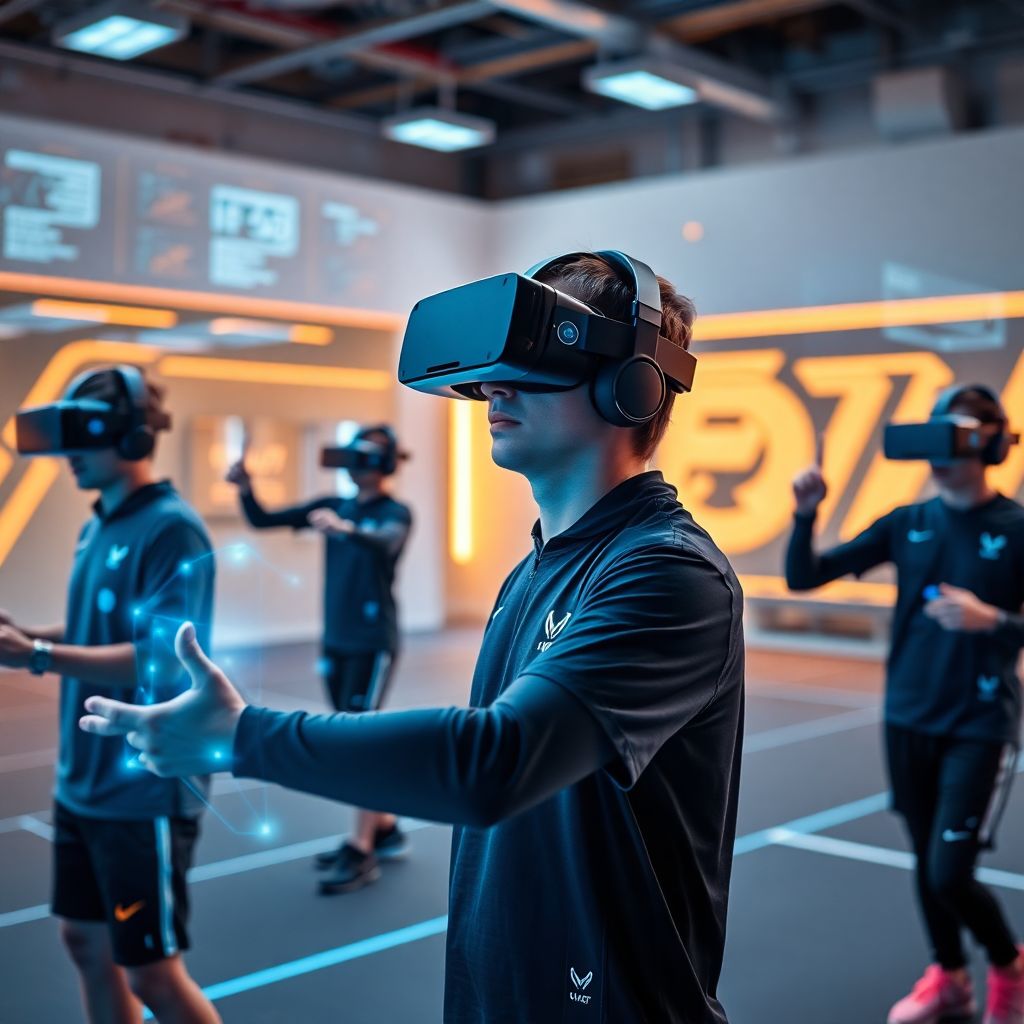
Virtual and augmented reality are entering sports and e-sports training as controlled, data-rich environments to safely repeat plays, sharpen decision-making, and give visual feedback on technique. They work best as structured drills that complement, not replace, physical practice, with clear goals, short sessions, and basic safety and hygiene routines.
Core advantages of VR/AR for athletic development
- Repetition of complex game situations without physical wear and tear.
- Safe exposure to high-pressure, match-like scenarios for decision-making.
- Instant visual feedback on technique, angles, and positioning.
- Cognitive load training: scanning, anticipation, and reaction time drills.
- Standardized scenarios for comparing players and tracking progress over time.
- Remote and off-season practice using the same tactical environments.
- Customizable difficulty to match individual athlete readiness and recovery.
Designing immersive training sessions for field and court sports
Immersive VR is most useful for field and court sports that depend on perception, anticipation, and tactical awareness: football, futsal, basketball, volleyball, handball, hockey, and similar invasion or net games. It lets athletes rehearse tactical patterns and reading of the game without impact or fatigue.
Who benefits the most
- Players learning new tactical systems or playbooks.
- Athletes returning from injury who must limit contact and running load.
- Younger athletes needing extra game reading and spacing practice.
- Coaches who want standardized situations to teach decision rules.
When you should not rely on VR sessions
- When an athlete has unresolved balance, vision, or severe motion-sickness issues.
- As a replacement for conditioning, strength, and technical ball work.
- Right before matches, if the player reports eye strain or mental fatigue from headsets.
- When basic tactical concepts are not yet understood on the whiteboard or live.
Basic setup checklist for immersive field/court drills
- Choose software de realidade virtual para treino de atletas that includes your sport and typical game situations.
- Prepare a safe, clear physical area: no obstacles within arm’s reach of the athlete.
- Configure headset guardian/boundary systems and test tracking stability.
- Define 1-2 simple objectives per session (for example: identify free player, read press).
- Limit initial VR exposure to short blocks with breaks for eye rest and feedback.
Verification: did the VR session work?
- Ask the athlete to explain the decision rule they practiced in their own words.
- In the next on-field drill, observe whether spacing and choices improve in similar patterns.
- Check for absence of symptoms: dizziness, headache, or unusual fatigue afterward.
Implementing AR overlays for real-time biomechanics feedback
Augmented reality overlays add visual cues on top of the real world, helping athletes adjust technique while still moving in their usual environment. This can be done through mobile devices, smart glasses, or projected systems, always keeping field safety as the first filter.
Requirements and tools for AR biomechanics
- Tracking method: camera-based motion capture, wearable sensors, or depth cameras pointing at the training area.
- Display device: tablet or smartphone, or dedicated equipamentos de realidade aumentada para performance esportiva such as smart glasses.
- Software that can map joint angles and positions to simple, understandable cues (lines, colors, or zones).
- Stable network or local processing to keep latency low and feedback timely.
Practical AR setup examples
- For sprint mechanics: lines marking ideal posture angle and foot placement zones, visible through a tablet held by the coach.
- For throwing or serving: overlays showing target windows and elbow height guidance in real time.
- For jumping and landing: colored zones on the floor to guide safe landing positions and stance width.
Safety and usability checks for AR
- Never require athletes to wear heavy or fragile headsets in crowded drills where collisions are likely.
- Ensure óculos de realidade aumentada para e-sports comprar or other glasses do not obstruct peripheral vision in dynamic movements.
- Keep cues simple and low-clutter; if athletes look confused or constantly search the overlay, simplify.
- Test latency: the visual cue should change almost at the same time as the movement, not seconds later.
Verification: is biomechanics feedback effective?
- Record before/after clips and compare technique with and without AR cues.
- Check if the athlete can reproduce the corrected technique without needing the overlay.
- Confirm the athlete reports the cues as helpful, not distracting, during real movement.
Integrating VR cognitive drills into e-sports practice routines
For teams and players coming from Brazil and similar contexts, VR cognitive drills can complement regular scrims and aim training by targeting perception, reaction and stress tolerance. They should be structured as short, intense, and clearly framed sessions woven into existing practice blocks.
Preparation checklist for safe and effective VR cognitive sessions
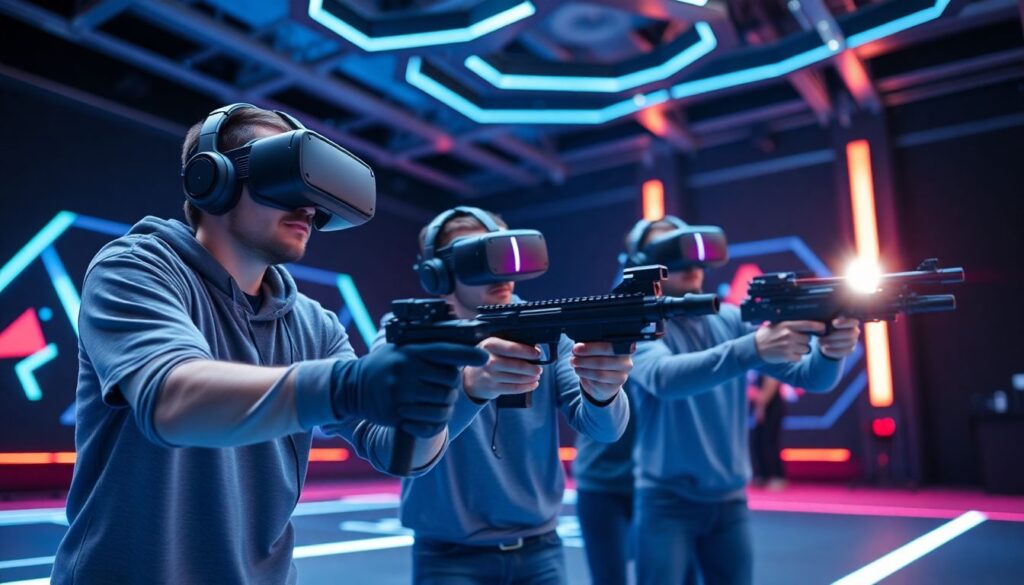
- Choose plataformas de treinamento em realidade virtual para equipes de e-sports compatible with your game genre (FPS, MOBA, battle royale, sports titles).
- Verify device comfort: head strap fit, interpupillary distance, cable management, and ventilation.
- Set clear goals: reaction time, target acquisition speed, peripheral awareness, or multitasking.
- Decide session length and breaks; start conservative and adjust based on player feedback.
- Check space safety: seated vs. standing mode, chair stability, and no loose cables around feet.
-
Define where VR fits in the daily e-sports schedule
Map your current training blocks: warm-up, mechanical drills, scrims, review, and physical work. Insert VR cognitive drills as a short block either in the warm-up or as a separate cognitive session, not replacing game-specific aim or macro training.
-
Select appropriate VR software and scenarios
Pick software de realidade virtual para treino de atletas or specialized e-sports cognitive apps that simulate your game’s time pressure and information density without copying it exactly.
- For FPS: stimuli that demand rapid target identification and suppression of irrelevant movement.
- For MOBAs: map-reading and minimap scanning drills under time constraints.
- For strategy titles: scenario management and prioritization tasks.
-
Configure difficulty, pacing, and safety limits
Start with low-to-medium difficulty and shorter bouts, observing symptoms such as nausea or eye strain. Gradually increase complexity only when players can complete tasks with solid accuracy and stable comfort.
- Enable comfort options (reduced motion, stable horizon) when available.
- Use seated or stationary modes for players prone to motion sickness.
- Schedule short screen-free breaks between bouts.
-
Run structured VR drill blocks with clear instructions
Before each block, tell players what to focus on and how success will be measured (for example: maintain accuracy while reducing reaction time).
- Keep blocks short and intense, with immediate feedback summaries.
- Discourage late-night extra sessions to avoid sleep disruption and overuse.
-
Capture data and connect it to in-game performance
Record indicators such as hits, misses, reaction times, and multitasking performance from VR sessions. Log a few simple in-game metrics from scrims on the same day and look for consistent patterns, not one-off spikes.
-
Review, adjust, and communicate with players
Hold short debriefs to ask what felt useful or uncomfortable. Adjust drill types, duration, and timing based on both data and player reports, making it clear VR is a tool to support, not control, their practice.
Verification: is VR adding value to e-sports routines?
- Players report feeling more focused and prepared after VR, not drained.
- Over several weeks, cognitive metrics in VR and key in-game stats trend in the same positive direction.
- Coaches notice fewer unforced errors under pressure and better communication in late-game situations.
Hardware and software selection: balancing fidelity, latency and cost
Choosing the right mix of devices and apps is a practical decision balancing realism, responsiveness, cost, and maintenance. In many Brazilian contexts, starting simple and scaling up is more sustainable than immediately aiming for the highest-end solution.
Checklist for evaluating XR purchases and subscriptions
- Clarify your primary use: tactical review, biomechanics, cognitive drills, or fan/marketing experiences.
- When researching realidade virtual para treinamento esportivo preço, compare total cost: headsets, PCs (if needed), software licenses, and accessories.
- Check latency and tracking stability for each option; prioritize smooth, low-lag experiences over graphic detail.
- Assess comfort: weight, padding quality, adjustability, and compatibility with prescription glasses.
- Verify local support and warranty terms for both hardware and software vendors.
- Prefer platforms with built-in analytics and easy export to spreadsheets or analysis tools.
- For e-sports, test headsets with your actual practice setup to ensure audio, communication apps, and VR can run together.
- Consider hygiene: replaceable face pads, easy cleaning, and shared-use policies for team environments.
- Start with a pilot unit instead of a full team rollout, and decide on scaling only after testing.
Measuring performance: metrics, data pipelines and validity checks
Collecting numbers from XR tools is easy; choosing meaningful ones and integrating them into your coaching workflow is the real job. Focus on a small number of indicators that you can track consistently and explain to athletes in simple language.
Common pitfalls when measuring XR training outcomes
- Tracking too many metrics and never using them to change training decisions.
- Comparing VR scores directly to on-field or in-game performance as if they were identical.
- Changing software or drill settings frequently, making it impossible to see trends.
- Ignoring subjective measures: player discomfort, boredom, or mental fatigue.
- Failing to log context: sleep, illness, schedule changes, or match congestion that influence results.
- Mixing different hardware and versions within the same dataset without labeling them.
- Using leaderboards in a way that shames slower learners instead of guiding individual progress.
- Relying only on VR metrics to make selection or return-to-play decisions without physical and technical assessments.
- Not backing up data or exporting it from vendor platforms before licenses or trials expire.
Safety, adaptation and periodization when introducing XR tools
XR tools should follow the same logic as any other training method: start light, monitor response, and progress only when adaptation is clear. For some athletes and budgets, alternatives or complementary methods will be more appropriate at certain times.
Alternative and complementary options to XR-based training
- Video-based tactical boards and 2D simulations: Use normal screens or projectors with pause-and-predict exercises to develop decision-making with virtually no equipment risk.
- Small-sided and constrained games: On-field or in-game formats with rules that exaggerate specific tactical or cognitive demands without any XR devices.
- Tabletop and whiteboard scenario work: Run fast cycles of “what if” discussions to train anticipation and communication in a low-tech environment.
- Low-tech reaction and coordination tools: Lights, call-out drills, or card-based reaction tasks for teams not ready to invest in full XR setups.
Guidelines for safe progression with XR
- Introduce XR during low-stakes periods in the season, not just before decisive matches.
- Monitor individual tolerance: reduce frequency or intensity if headaches, dizziness, or sleep issues appear.
- Integrate rest days from VR/AR just as you do for high-load physical training.
- Educate athletes on self-reporting symptoms and respecting exposure limits.
Practical troubleshooting and deployment concerns
How can I prevent motion sickness and eye strain in VR sessions?
Use stationary or seated modes, reduce unnecessary camera movement, and keep early sessions short. Adjust headset fit and interpupillary distance, and give frequent breaks for eye rest. If symptoms persist, remove that athlete from VR-based drills and use alternative methods.
What is a safe way to start XR with a limited team budget?
Begin with one or two mid-range headsets and low-cost apps that cover your main goals. Pilot with a small player group, document benefits and issues, then decide if scaling makes sense. Combine XR with low-tech drills instead of trying to cover everything with devices.
How do I integrate XR work into an already full training week?
Replace or shorten one existing low-yield block, such as unstructured freeplay warm-ups. Insert brief, focused XR sessions that clearly support match demands. Review weekly load so that extra cognitive work does not overlap with peak physical or tactical intensities.
What if my facility has limited space for VR and AR setups?
Use seated or standing-in-place configurations and set strict boundaries in software. Schedule XR sessions in small groups and avoid placing headsets near heavy equipment or high-traffic corridors. For AR, prioritize handheld devices instead of large-scale projections.
How can I keep XR data organized and useful over time?
Choose a small set of key metrics and log them in a simple, consistent format after each session. Tag entries with date, player, device, and drill type. Review trends monthly with players and staff to adjust training, instead of only collecting data for later.
What should I do when software or hardware updates change performance?
Note the update date and version in your logs and treat it as a new baseline. Recalibrate devices, run a short familiarization period, and avoid making big training or selection decisions based on data gathered during the transition phase.
How do I choose between AR and VR for my first deployment?
If you want to modify real movement with minimal equipment, start with AR on mobile devices. If the priority is controlled, immersive scenarios with no physical contact, start with VR. In both cases, test with a small group and match the tool to your main performance question.